
Device details
Review capacity, model and bus information.
Free VISINVOKE utility. Managed USB media.
Build, verify and maintain VISINVOKE-managed USB drives on Windows through Desktop Command Centre, with device discovery, target checks, SHA-256 verification and versioned manifests.
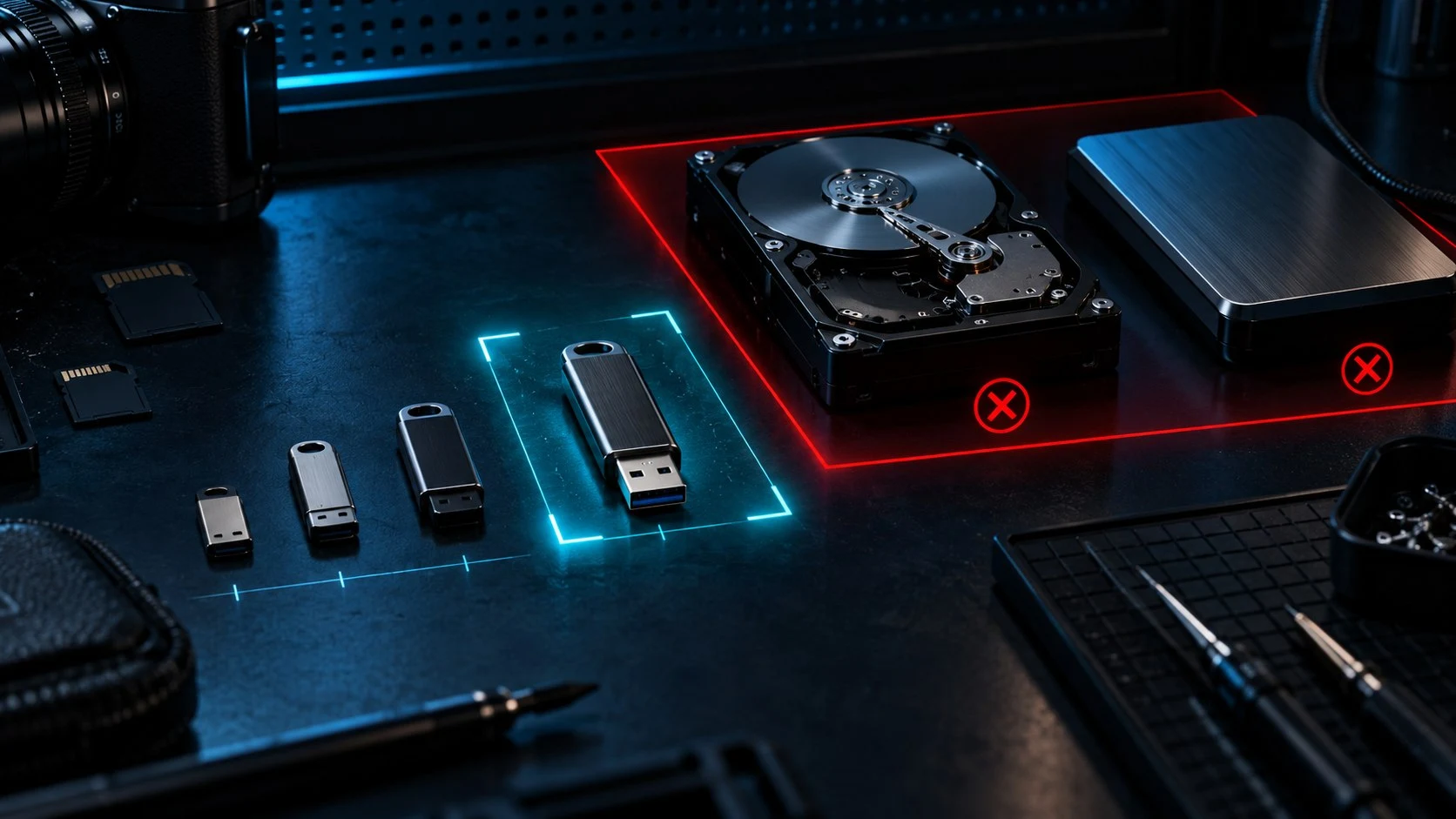
Managed media with clear device checks
Keep the target and managed content visible throughout the workflow.
Review capacity, model and bus information.
Retain system and boot disk protection.
Use full SHA-256 content verification.
Keep history and manifests for managed media.

Begin with the connected devices
Discover the disks and volumes on your Windows computer with capacity, model and bus detail.
Choose the USB target with system and boot disk protection and target revalidation before action.
Prepare managed content with a reusable build profile or category, keeping verification in the workflow.
Four steps through a managed USB build
Use the connected devices on your own Windows computer.
Review disk and volume information.
Use protection and target revalidation.
Apply managed content with a reusable profile.
Apply incremental updates and keep records.
Your managed-USB workspace
Build and maintain organised media through your local desktop workspace.
Review Windows disk and volume capacity, model and bus detail.
Keep system and boot disk protection in the workflow.
Recheck the chosen USB target before action.
Verify managed content with full SHA-256 hashes.
Add, change or remove managed content.
Organise consistent builds with profiles and categories.
Keep build history and versioned content records.
Inspect ISO or image files without destructive boot writing.
Profiles, categories and content
Organise content while keeping verification in the workflow.
Reuse a configuration for consistent drives.
Organise managed content for your builds.
Add, change or remove content as needed.
Inspect ISO and images for compatibility planning.
Maintain the content and its record
Keep useful build information with the managed media.
Change the required content without a full rebuild.
Use full SHA-256 verification.
Retain a record of managed builds.
Track what the drive contains.
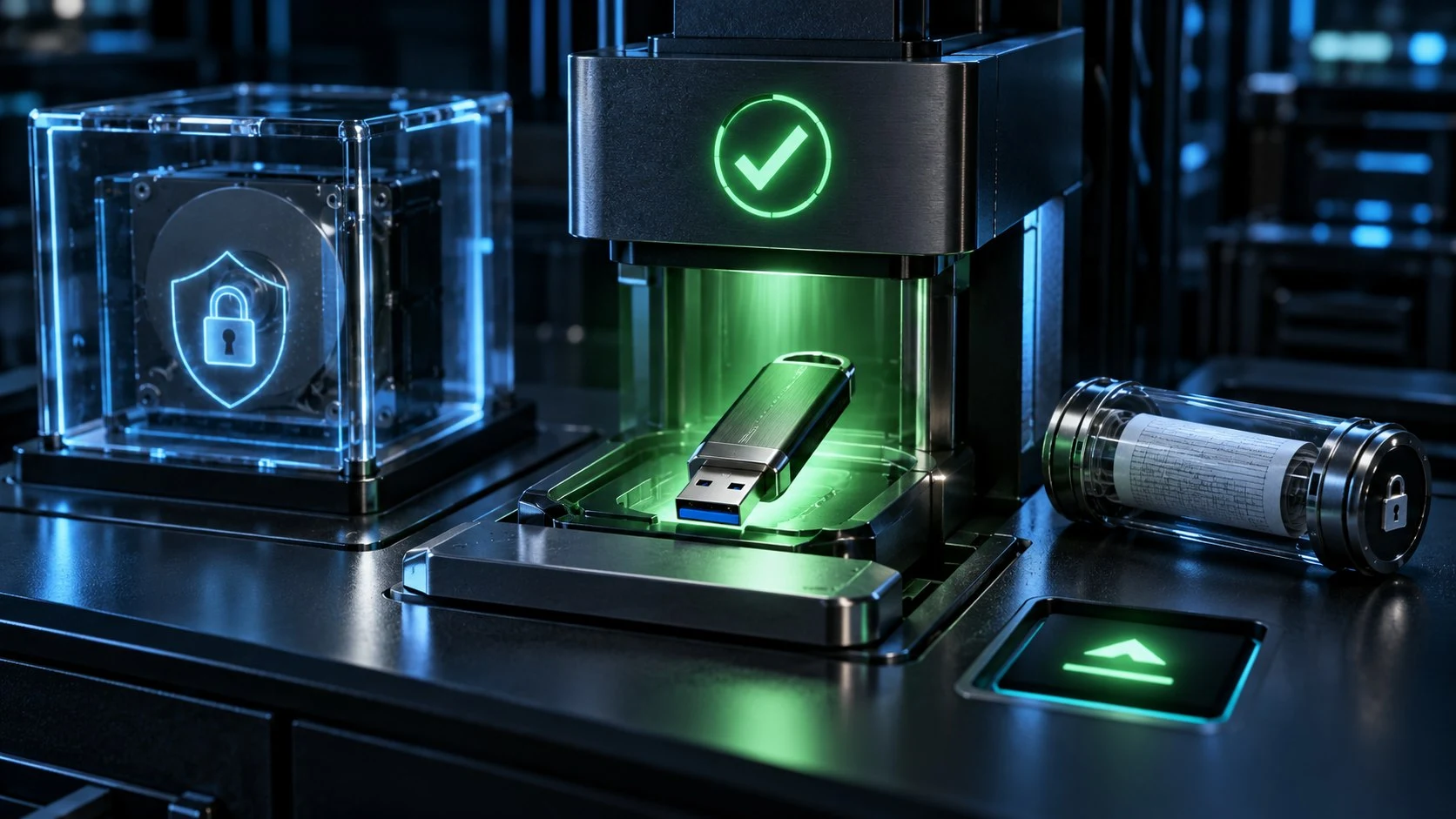
A managed drive with a clear content record
Build managed USB content and use full SHA-256 verification to check it.
Keep build history and versioned manifests so the drive’s managed content remains documented.
Maintain the drive with incremental updates. ISO and image inspection supports boot planning without destructive boot writing.
A clear managed-media purpose
Use USB Builder within its supported managed-content workflow.
Discover disks and volumes on your own computer.
Retain system-disk protection and revalidation.
Process content on your machine.
Boot media is inspected and planned.
Free utility access
Use USB Builder through Desktop Command Centre on Windows.
USB Builder is free with your account.
Use a complete utility rather than a time-limited trial.
Work with drives connected to your own computer.
Create a free VISINVOKE account to begin.
VISINVOKE means value
Bring device details, reusable profiles, verification and records into one local utility.

Review capacity, model and bus information.
Keep profiles and categories for consistent media.
Use SHA-256 verification and manifests.
Apply incremental updates on your own computer.
Explore your VISINVOKE workspace
Each card opens its own product website. Review purpose and access separately; related products do not promise included access or automatic synchronisation.
Open your VISINVOKE desktop products.

Prepare a live exchange after an established social mistake.

Build the wider setting around your campaign.

Develop the places your party travels through.

Explore separate adventure environments.

Explore separate fantasy image creation.
Product artwork is illustrative, not application screens or actual generated image output.
Quick answers
Understand device checks, managed content, local access and boot-planning limits.
Build, verify and maintain VISINVOKE-managed USB drives on Windows through Desktop Command Centre, with device discovery, target checks, SHA-256 verification and versioned manifests. Use reusable profiles and incremental updates to keep managed media organised.
Review discovered Windows disks and volumes with capacity, model and bus detail. Select the USB target with system and boot disk protection, and target revalidation before action.
Destructive boot writing is not enabled. USB Builder inspects ISO and image files and plans boot compatibility; managed content building and verification remain its purpose.
Use reusable build profiles and categories, verify content with full SHA-256 verification, then apply incremental add, change and remove updates. Keep build history and versioned manifests of drive content.
USB Builder runs on your own Windows computer in a dedicated desktop window through Desktop Command Centre. Your files are processed locally, and it works with drives connected to that computer.
USB Builder is free with your VISINVOKE account, as a full utility rather than a time-limited trial. Create a free VISINVOKE account, use your account installer page for Desktop Command Centre, then open USB Builder in your desktop workspace.
Continue in VISINVOKE
Create your free VISINVOKE account to access USB Builder.
Use your account installer page for Desktop Command Centre.
Open USB Builder through Desktop Command Centre on Windows.